Roblox Education: How to Turn Gaming Time Into Real Learning
The Eaton Team
•June 5, 2026•
10 min read
Your child begs to play Roblox for hours every day. You wonder if all that screen time could teach them something valuable. What if you could turn those gaming sessions into real learning without becoming the screen time police? The good news is that Roblox education can teach real skills when you know how to guide your child. Research from Iowa State University shows that students who once “wilted at the back of the class” with little motivation came alive and worked hard after game play was added to the curriculum. The platform offers more than fun—it’s a way to learn coding, problem-solving, and creative thinking. You don’t need to ban Roblox or feel guilty about screen time. Instead, you can learn how to use what your child already loves and turn it into real learning.
What Makes Roblox Education Different From Regular Gaming?
Most video games hand your child a finished product to play through. Roblox flips that model. It’s a platform where users create games, not just play them. This basic difference turns passive screen time into active learning.
When your child opens Roblox Studio, they use the same tools pros use. The platform teaches Lua scripting, a real coding language that builds real coding skills. Your child learns to think logically, fix problems, and turn creative ideas into working games.
Beyond coding, Roblox teaches skills other games don’t. Many Roblox games need teamwork. Players must talk clearly, divide tasks, and work together to win. The platform’s money systems teach resource management and basic finance as kids earn, spend, and trade virtual currency.
According to research on game-based learning, these platforms engage students in real-world problem-solving scenarios while providing actionable feedback and letting them fail safely. Mistakes become part of learning instead of something to fear. That’s what happens when your child works on a Roblox game that doesn’t work quite right yet.
Roblox education differs from regular gaming by emphasizing active problem-solving and skill-building.
Real Skills Your Child Develops Through Roblox Education
You might see your child clicking away at a screen. But they’re building skills that matter in the real world. When kids create games on Roblox, they’re not just playing. They’re learning to think like coders and problem-solvers.
Computational thinking and problem-solving: When your child builds a game, they learn to break big problems into smaller steps. They fix code when things don’t work. They test ideas and try again. These are the same skills pro coders use every day.
3D spatial reasoning: Creating virtual worlds means your child learns to think in three dimensions. They rotate objects, plan layouts, and see how pieces fit together. This skill helps with everything from geometry to building design.
Reading comprehension: Kids read tutorials, follow complex steps, and understand game docs. They’re motivated to read because they want to learn a new skill or solve a problem. That’s powerful reading practice that doesn’t feel like homework.
Basic entrepreneurship: The Robux economy teaches real business ideas. Your child learns about pricing, marketing, and customer happiness when they create games others want to play. Some kids even earn real money through the platform’s money system.
How Does Game Based Learning Actually Work on Roblox?
Roblox taps into powerful learning ideas that worksheets can’t match. When your child plays, they’re not just having fun. They’re using learning methods that brain science and motivation theory have shown work well. The platform creates a space where learning happens naturally, without the pushback you might face when you say “it’s time for math.”
Here’s what makes game based learning so effective on Roblox:
Instant feedback shows what works. Your child tries something, sees the result right away, and adjusts. This cause-and-effect loop teaches faster than waiting days for a graded paper to come back.
Internal motivation beats assigned work. Kids push themselves harder when they care about the outcome. Research on game-based learning found that quests and instant feedback drive engagement across all age levels.
Failure becomes a teacher, not a threat. When your child’s virtual creation doesn’t work, they can try again without shame or permanent results. This safe failure space encourages the testing that builds real problem-solving skills.
Progress systems reward persistence. Level-up mechanics and achievement badges show your child that effort leads to improvement. That’s a growth mindset in action.
Setting Up Roblox for Educational Success
You can’t just hand your child a Roblox account and hope learning happens. You need a clear plan that separates learning from casual play. Think of it like the difference between reading a novel for fun and studying literature for school. Both are valuable, but they serve different purposes.
Here’s how to set up Roblox for real learning:
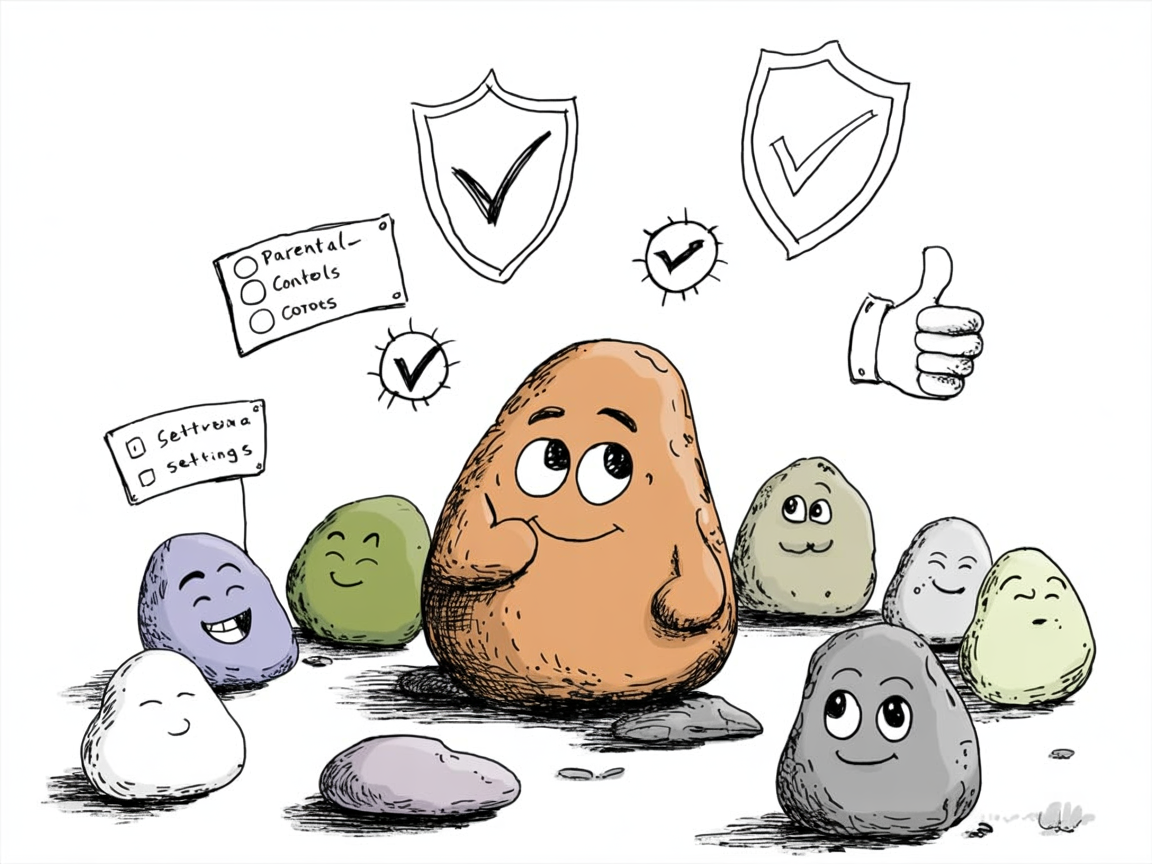
Enable account restrictions first. Go to settings and turn on account restrictions to filter age-appropriate content. Set privacy settings so your child can’t chat with strangers or share personal info.
Create separate time blocks. Schedule 30-45 minutes for “learning Roblox” where your child works on tutorials or builds projects. Keep regular play time separate. This boundary helps your child shift into learning mode.
Start with Roblox Studio, not games. Open Roblox Studio and choose a beginner tutorial together. Your child will learn how games are built rather than just playing what others made.
Set specific goals each session. Don’t just say “learn coding today.” Instead, try “complete the obstacle course tutorial” or “add three new features to your racing game.” Clear goals create the kind of actionable feedback that makes game based learning effective.
Setting up Roblox for educational success requires enabling parental controls and monitoring.
Which Roblox Games and Activities Have Real Educational Value?
Not all Roblox games are equal when it comes to learning. You want to steer your child toward activities that build skills, not just burn time. The good news is that Roblox education offers several paths to real learning. Your child can explore them without feeling like they’re doing schoolwork.
Here’s where to find real educational value:
Roblox Studio’s built-in tutorials teach coding basics step by step. They start with simple scripts and build to complex game mechanics. Your child learns Lua coding without realizing they’re studying computer science.
Educational games from verified developers focus on specific subjects like math, science, and history. Look for games labeled “Educational” in the Roblox library.
Building challenges require math, measurement, and spatial planning. Creating structures teaches geometry and problem-solving in ways that feel like play.
Collaborative projects develop communication and project management skills. When kids work together to build games, they learn to delegate tasks, give feedback, and meet deadlines.
Safety Controls Every Parent Needs to Enable
Before you let your child dive into Roblox’s learning potential, you need to lock down the platform’s safety settings. The default settings are too open for most families. But Roblox gives you powerful tools to create a safer space.
Here’s what to enable right away:
Account restrictions: Turn this on to limit who can message your child, who can chat with them in games, and who can invite them to private servers. You’ll find this in Settings under Privacy.
Approved experiences only: This mode filters out user-made games that haven’t been checked as age-appropriate. It’s not perfect, but it blocks the worst content automatically.
Spending controls: Set up a PIN to prevent unauthorized Robux purchases. You can also require approval for all transactions or disable purchasing entirely.
Regular check-ins: Review your child’s friend list and chat history weekly. Look for anyone you don’t recognize and ask your child about conversations that seem odd.
These settings take ten minutes to set up but give you ongoing peace of mind while your child explores and learns.
Realistic Expectations: What Roblox Can and Cannot Teach
Before you dive into Roblox as a learning tool, you need to understand its real limits. Roblox education introduces coding ideas through its visual scripting system. But it won’t replace a formal computer science class. Your child will learn problem-solving and creative thinking. But they still need traditional math, reading, and writing instruction.
According to the Center for Innovation in Teaching & Learning at Illinois, game based learning works best when it involves students in real-world problem-solving with choices, challenges, and safe failure. But it’s designed to supplement, not substitute, core academics.
Social skills do develop through multiplayer games. Yet you’ll need to guide talks about digital citizenship and online safety. The magic happens when you engage with what your child creates. Ask them to explain their game mechanics or show you their building projects. That parent involvement transforms passive screen time into active learning.
Realistic expectations for Roblox education help parents understand both its strengths and limitations.
Frequently Asked Questions
Is Roblox actually educational or just entertainment?
Roblox has real educational value when children use Roblox Studio to create games rather than only playing them. The coding, design, and problem-solving skills they develop are real and transfer to other areas of learning. However, it works best as a supplement to traditional learning rather than a replacement. Think of it like the difference between watching cooking shows and actually following recipes in your kitchen. Both have value, but one teaches practical skills you’ll use.
What age is appropriate to start Roblox education?
Children as young as 8 can start with guided Roblox Studio tutorials. But most kids find the coding parts easier around ages 10-12. Your child’s comfort with technology matters more than their exact age. Younger children can still benefit from educational games created by others while building digital literacy skills. If your 9-year-old struggles with the creation tools, don’t worry. Let them explore educational games for now and revisit Studio in a year.
How much time should my child spend on Roblox for learning?
Start with 30-45 minute focused sessions on creating or learning in Roblox Studio, separate from play time. Quality matters more than quantity. One hour of intentional building teaches more than three hours of aimless playing. You’ll know the difference when you see it. During learning time, your child should be following tutorials, solving specific problems, or working toward a creation goal. Random exploring and social play are fine too, but label them differently in your family’s screen time rules.
Do I need to know coding to help my child learn on Roblox?
No coding knowledge is required on your part. Roblox Studio includes beginner tutorials that teach both you and your child together, starting from zero. Many parents learn alongside their kids, which strengthens the learning experience through shared discovery. You don’t need to be the expert. You just need to be the encouraging guide who sits nearby and asks, “What are you trying to make happen?” when they get stuck.
You don’t need to choose between your child’s love of Roblox and meaningful learning. When you approach the platform with intention, it becomes a powerful tool for teaching coding, problem-solving, and creative thinking. The key is setting up the right framework from the start. Use proper safety settings, clear boundaries between learning time and play time, and structured introduction to Roblox Studio.
This week, take 30 minutes to create your child’s account with appropriate restrictions. Then sit down together and complete one Roblox Studio tutorial. You’ll be amazed at how quickly they grasp ideas like sequencing and logic when they’re building something they care about. Your child’s enthusiasm for Roblox isn’t something to fight against. It’s fuel for learning that you can channel into genuine skill development. Start small, stay consistent, and watch as those gaming hours transform into valuable educational experiences.
Curated resources and expert insights from the Eaton team to support your homeschool journey. Our content is researched and crafted to help families thrive.