Homeschool Makerspace Setup: Start Small, Dream Big
The Eaton Team
•April 21, 2026•
17 min read
You’ve seen those amazing makerspace photos online. Kids building robots. Crafting inventions. Eyes lit up with creativity. But when you look at your own home, you wonder: Where would I even put all that? And how much would it cost? The good news: you don’t need a dedicated room or thousands of dollars to create a homeschool makerspace setup that works for your family. A makerspace is simply a place where kids can explore, experiment, and create with their hands. It might be a corner of your dining room, a rolling cart in the garage, or a shelf in the basement. What matters isn’t the size or fancy equipment. It’s giving your children permission to tinker, fail, and try again. This guide will show you how to start small, grow as you go, and build a homeschool makerspace setup that fits your home, budget, and kids’ interests.
What Is a Homeschool Makerspace (and Why Does It Matter)?
A makerspace is a place where your kids can create, build, tinker, and solve problems with their hands. It’s not a craft corner for following Pinterest instructions. It’s a place where they design their own projects, test ideas, and figure out what works through trial and error. Think of it as a workshop for young inventors. They might build cardboard cities, wire simple circuits, or engineer catapults from popsicle sticks.
Why does this matter for your homeschool? Because makerspaces develop skills that worksheets can’t teach. When your child builds something and it falls apart, they learn to keep trying. When they figure out why their pulley system won’t lift the weight, they’re practicing problem-solving. Research from Edutopia shows that hands-on making helps students develop problem-solving skills and builds confidence. Best of all, makerspaces encourage self-directed learning. Your kids choose what to explore, which means they’re truly engaged.
Here’s the relief: you don’t need expensive laser cutters or 3D printers. The maker mindset matters far more than the materials.
Finding Space for Your Homeschool Makerspace Setup
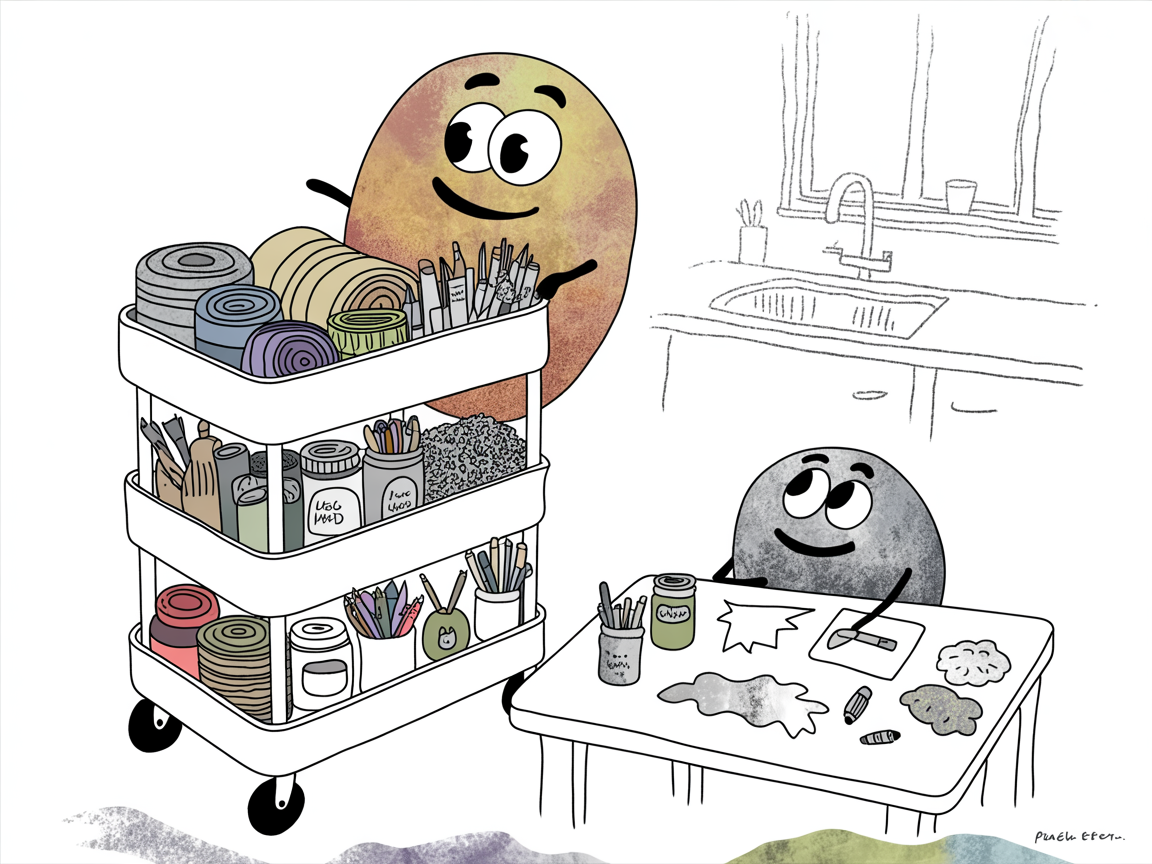
You don’t need a Pinterest-perfect craft room to launch a homeschool makerspace setup. Start by looking at your home through a “what if” lens. That corner behind the couch? A folding table there could work. The coat closet nobody uses? Perfect for supplies on shelves. Even a rolling cart you tuck into the garage between sessions counts as a makerspace.
The secret is choosing a spot that matches your tolerance for mess and noise. A garage or basement handles sawdust and hammering better than your living room. But if you need to supervise younger kids, that dining room corner might win despite the cleanup.
Think vertical when space is tight. Pegboards, wall-mounted bins, and over-the-door organizers let you store tons of supplies in a small footprint. A folding table gives you work surface when you need it and disappears when you don’t.
Here’s the truth: easy cleanup beats permanent setup every time. If putting materials away feels like a huge chore, your makerspace will gather dust. Choose storage your kids can manage themselves. That’s when the magic really happens.
Essential Supplies for Homeschool Makerspace Setup (Three Budget Levels)
You don’t need to buy everything at once. Start with what you can afford, then add supplies as your kids discover what they love. Here’s how to build your homeschool makerspace setup at three different budget levels:
Starter Level ($50-100):
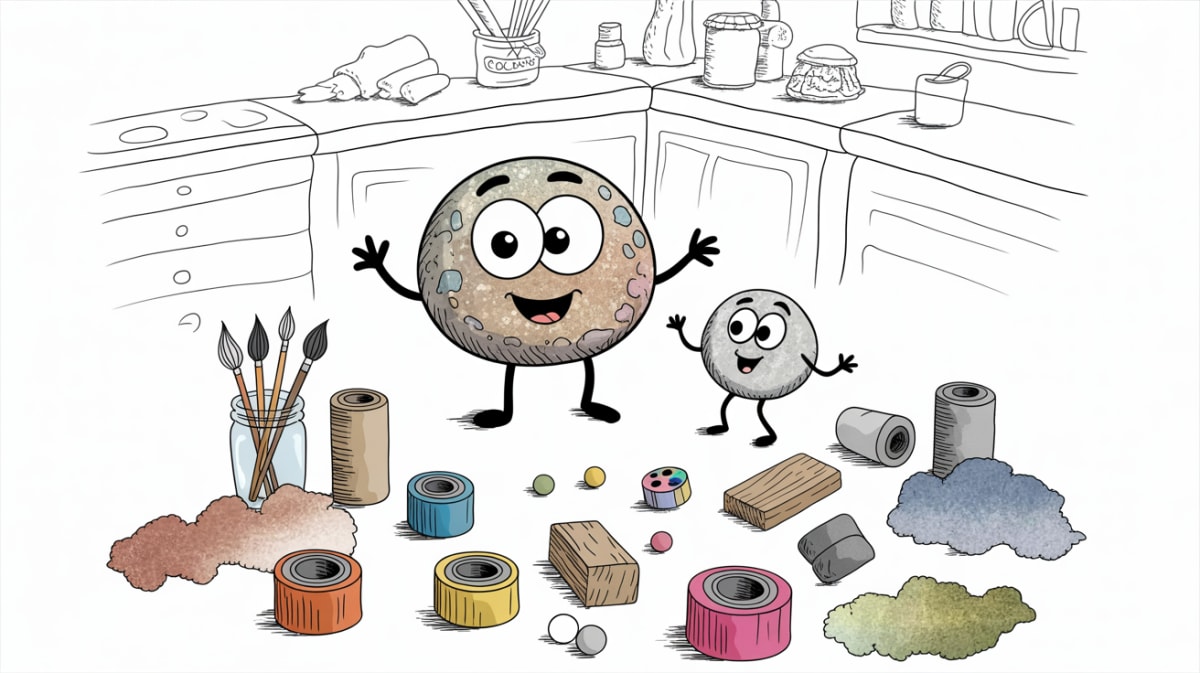
Cardboard boxes, duct tape, masking tape
Scissors, white glue, markers
Construction paper
Toilet paper rolls, egg cartons, plastic containers you’d normally recycle
These simple materials let kids build, design, and problem-solve without any special equipment. You probably have half of this already.
Intermediate Level ($150-300):
Hand tools like screwdrivers, pliers, and a hand drill
These supplies open up more complex projects while still being manageable for most ages.
Advanced Level ($300-600):
Beginner robotics kit
3D pen
Basic power tools (always with supervision)
Specialty materials like balsa wood or Arduino boards
Soldering iron for older students
Don’t rush to this level. Many families stay happily in the intermediate zone for years.
Watch what your kids actually use. If they ignore the electronics kit but can’t get enough of building with cardboard, invest in better cutting tools and more interesting materials instead.
Organizing Your Makerspace (So Kids Can Actually Use It)
The best makerspace in the world won’t get used if your kids can’t find what they need. Or if cleanup feels impossible. Smart organization isn’t about making everything Pinterest-perfect. It’s about helping your children work independently and actually finish their projects.
Think of it this way: you’re not just organizing supplies. You’re teaching your kids to manage their own creative process.
Use clear containers and labels. Kids need to see what’s inside at a glance. Clear plastic bins work great, and labels with pictures help younger children. When everything has a home, your kids can grab supplies and put them back without asking you twenty questions.
Group materials by project type. Keep building materials (LEGO, blocks, wood scraps) separate from electronics (batteries, wires, circuits) and art supplies (paint, glue, fabric). This makes it easier for kids to gather what they need for specific projects.
Create a work-in-progress zone. Set aside one shelf or corner where unfinished projects can stay out safely. This saves kids from having to start over every time, and it respects the time they’ve already invested.
Set cleanup routines from day one. Make it simple: “If you used it, you return it.” Consider setting a timer for five-minute cleanup sessions. When kids know the routine, they’re more likely to actually do it.
Age-Appropriate Makerspace Projects to Start Today
The best makerspace projects match where your kids are right now. Not where you think they should be. When you start with activities that fit their skill level, they build confidence instead of frustration. Here’s what works well for different ages:
Ages 5-8:
Cardboard construction with tape and markers
Simple LED circuit kits that light up
Nature crafts using collected leaves and sticks
Basic woodworking like hammering nails into wood scraps (with you right there)
Ages 9-12:
Beginner robotics kits that snap together
Stop-motion animation with a tablet and clay figures
Hand-sewing projects like stuffed animals
Coding games that control physical LEDs or motors
Ages 13+:
Arduino projects that solve real problems
Building simple furniture like bookshelves
Creating basic apps or websites
Electronics projects with soldering and circuit design
Here’s the key: give your kids a challenge, not instructions. Instead of “follow these ten steps to build a birdhouse,” try “can you design a birdhouse using only cardboard and tape?” Open-ended challenges teach problem-solving. Step-by-step instructions just teach following directions.
Your kids will surprise you with what they create when you step back and let them figure it out.
Setting Ground Rules (Safety and Independence)
Before your kids dive into creating, take time to set clear expectations. A makerspace should feel like freedom—but safe freedom. Start by walking through each tool together. Show proper grip, safe distance, and what to do if something goes wrong. For younger kids, demonstrate every step before they try it themselves.
Ask first: hot glue guns, craft knives, power tools, anything with sharp edges or heat
Label bins or shelves so everyone knows which is which. This system lets kids explore independently while protecting them from real hazards. As they prove they can follow safety rules, you can gradually move items from “ask first” to “anytime.”
The goal isn’t to hover over every project. It’s to teach judgment so they can work safely on their own.
Growing Your Makerspace Over Time
Your homeschool makerspace setup should grow with your kids, not ahead of them. The best way to expand? Watch what they actually reach for. If your daughter uses the cardboard scraps every day but hasn’t touched the electronics kit in months, you know where to invest next.
Before buying new materials, explore what’s already available in your community. Many public libraries now have makerspaces with 3D printers, sewing machines, and tools you can use for free. Tool lending libraries let you borrow equipment for specific projects without the storage commitment. Connect with other homeschool families to swap supplies. Your outgrown LEGO bricks might be perfect for their budding engineer.
Here’s the most important part: let your children’s genuine interests guide what you add, not what looks impressive on social media. A makerspace that matches your kids’ curiosity will get used. One built for the camera will collect dust.
Frequently Asked Questions
How much space do I really need for a homeschool makerspace?
You can start with as little as a card table or rolling cart. Many families use a corner of their kitchen, a closet shelf, or even a large plastic bin stored under a bed. The key is making supplies accessible when your kids want to create—not having a dedicated room. A small folding table that you set up and put away works perfectly. So does a shelf in the garage with a nearby work surface. What matters is that your children know where to find materials and have a spot to spread out their projects. You can always expand later if makerspace activities become a regular part of your routine.
What if my kids lose interest in the makerspace?
Rotate materials every few weeks to keep things fresh. Sometimes kids need a break, or they need to see you modeling creative work yourself. Pull out half the supplies and store the rest, then swap them out in a month. Also consider whether your children need more open-ended challenges (like “build something that moves”) versus step-by-step projects with instructions. Some kids thrive on freedom, while others need more structure to get started. Pay attention to what sparks their curiosity and adjust accordingly.
How do I keep the makerspace from becoming a giant mess?
Set a “clean as you go” expectation from the start. Use clear bins with labels so everything has a home and kids can see what’s inside. Consider creating a “project parking” area—a designated shelf or corner—for works-in-progress so they don’t clutter the main workspace. At the end of each session, spend five minutes together putting supplies back where they belong. This habit prevents the overwhelming cleanup that makes you want to shut down the whole makerspace. Make cleanup part of the creative process, not a punishment afterward.
Do I need to know how to use all the tools myself?
Not at all. Learning alongside your kids is powerful modeling. It shows them that adults don’t know everything and that figuring things out is part of the fun. YouTube tutorials and library books can teach both of you new skills. Start with simple tools and materials you’re comfortable supervising, like scissors, tape, cardboard, and glue. As your confidence grows, you can add more complex supplies. Your job isn’t to be the expert. It’s to create a safe space where experimentation is encouraged and mistakes are just part of learning.
Your homeschool makerspace setup doesn’t need to look like those magazine-worthy photos to be effective. What it needs is permission. Permission for your kids to create, experiment, mess up, and try again. That’s where the real learning happens.
Start with what you already have in your home. Watch what your kids actually use and enjoy. Then expand gradually as their interests grow. You’re not trying to build the perfect makerspace. You’re creating a space where your children learn to turn ideas into reality, where they discover that making mistakes is part of making progress.
This week, pick one small area—a shelf, a cart, a corner of the kitchen table. Gather some basic supplies: paper, tape, cardboard, scissors, markers. Tell your kids they can build whatever they want. Then step back and watch what happens. That’s your makerspace. Everything else is just details you’ll figure out along the way.
Curated resources and expert insights from the Eaton team to support your homeschool journey. Our content is researched and crafted to help families thrive.